
Manage connections
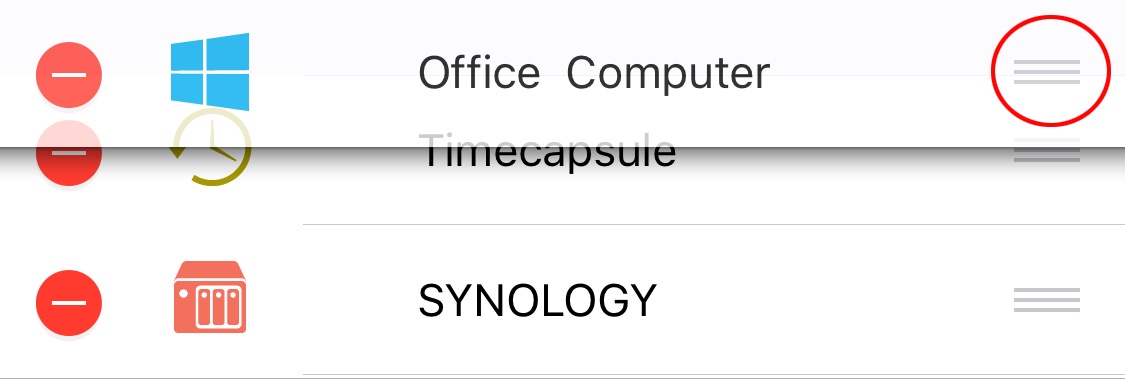
Reorder connections
- Open the Connections tab.
- Tap Edit.
- Drag the connections into the order you want.
- Tap Done.
Duplicate, edit, or delete a connection
Touch and hold a connection, then choose an action from the context menu.
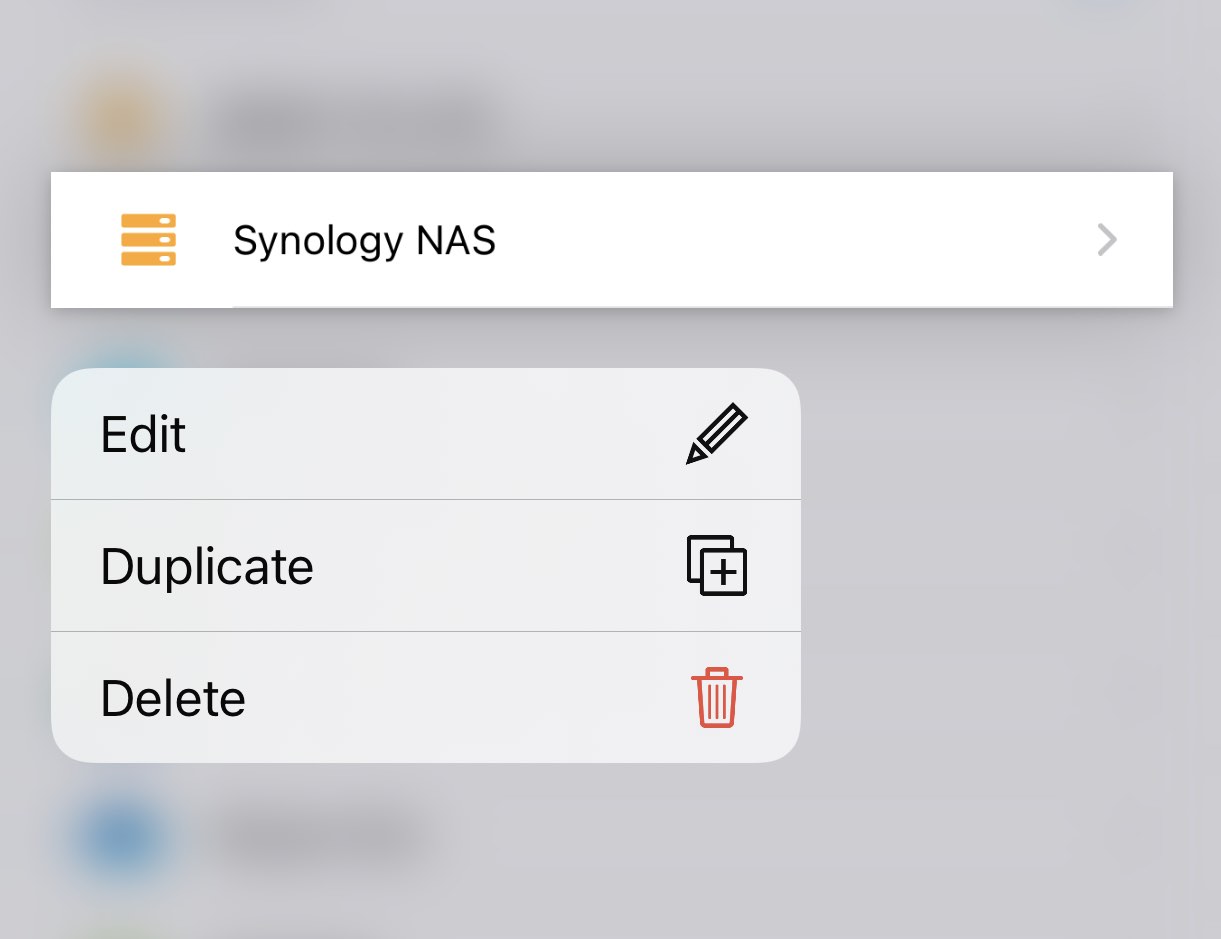
Touch and hold a connection, then choose an action from the context menu.