
Organize files your way
Rename, sort, delete, copy, and move files into folders and subfolders. Drag and drop when you want to move quickly.
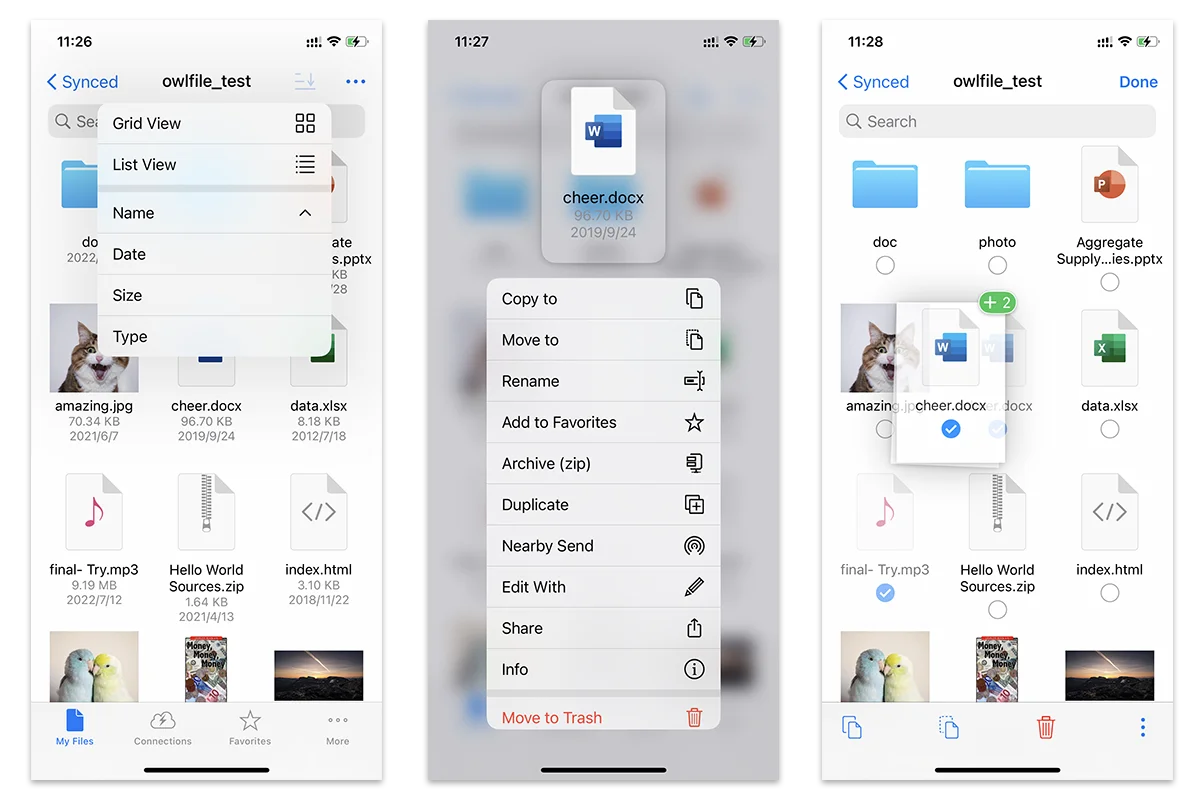
Owlfiles connects your devices, computers, NAS, servers, and cloud storage in one focused workspace. Move, manage, and enjoy your files without the friction.
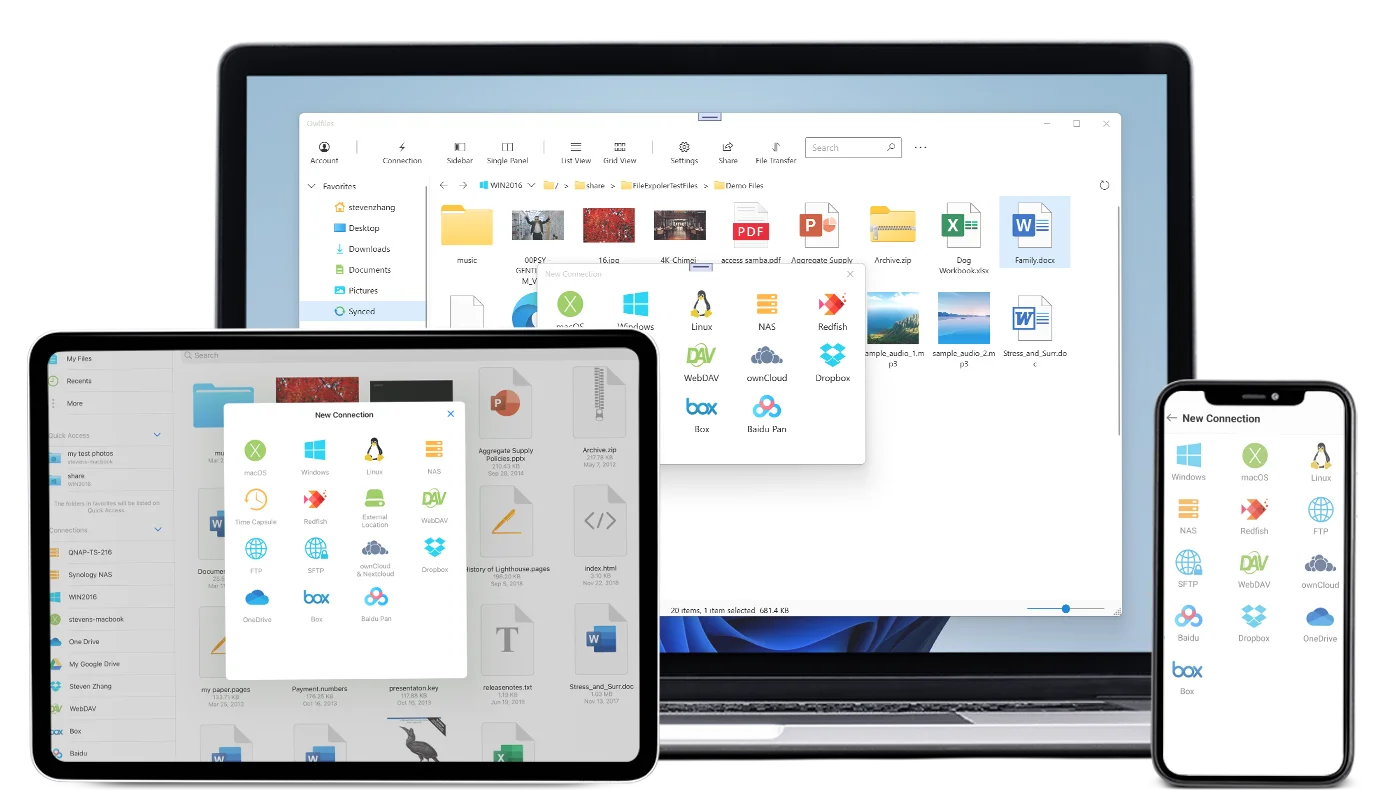
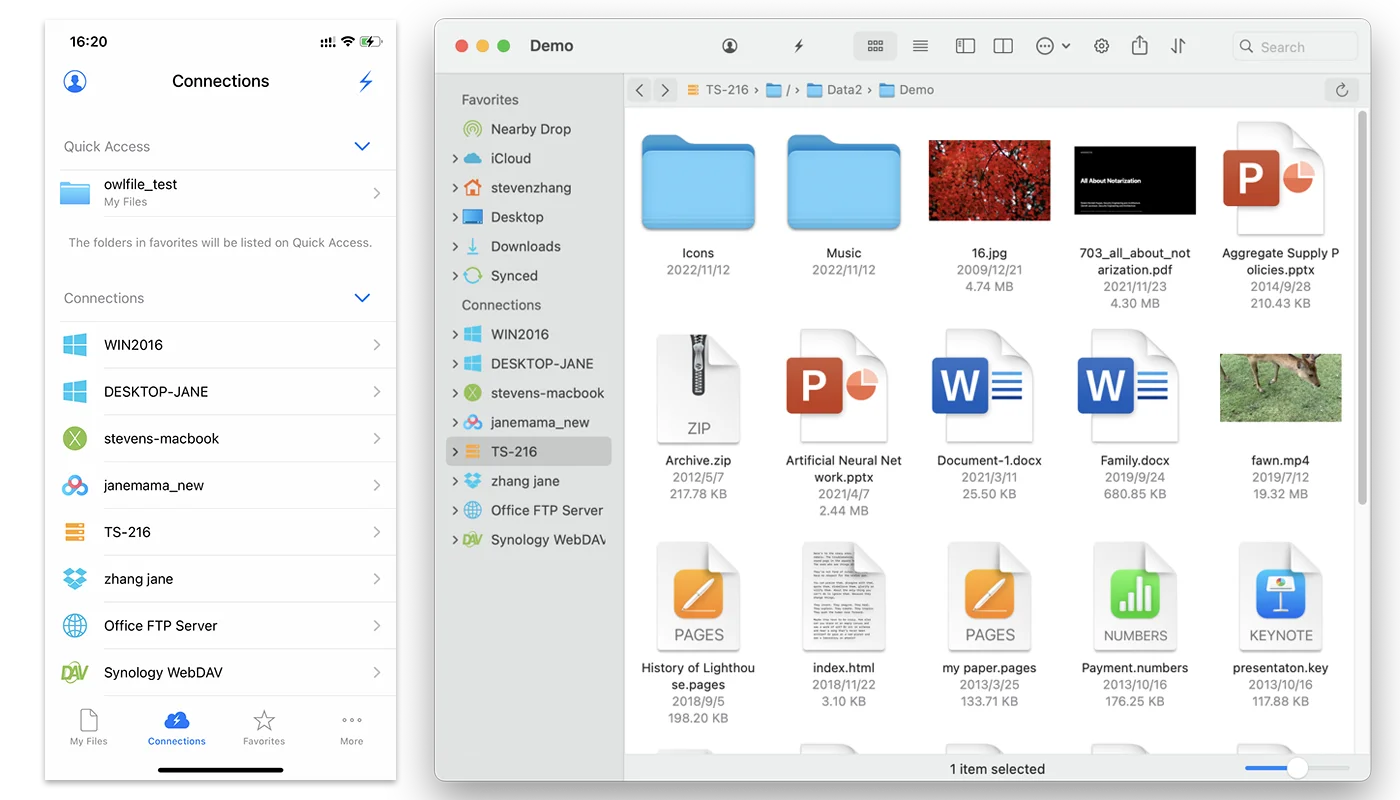
Owlfiles is a powerful file manager for mobile, desktop, and TV. Browse local files, connect to your home or work network, and move content between any two locations.
Open, organize, transfer, sync, and protect files with thoughtful tools that work together.
Rename, sort, delete, copy, and move files into folders and subfolders. Drag and drop when you want to move quickly.
Reach computers, servers, NAS, WebDAV, NFS, FTP, SFTP, OneDrive, Dropbox, Box, and S3 from one connection list.
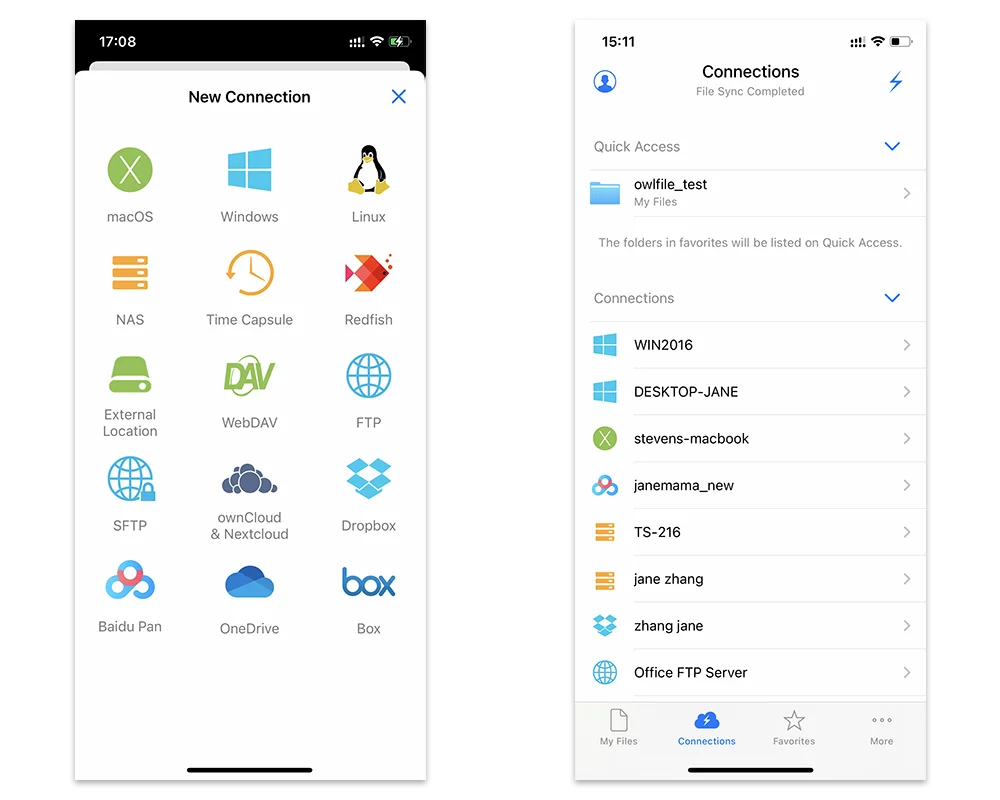
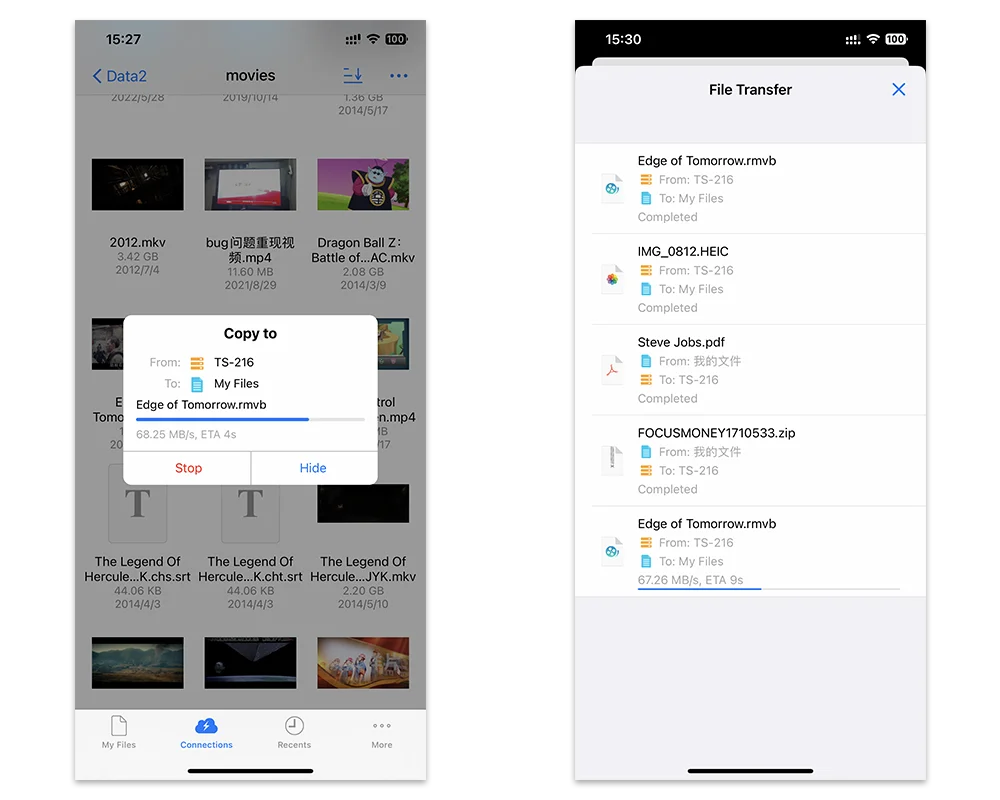
Copy files directly between your iPhone, Android device, computer, NAS, server, and cloud drives — from anywhere to anywhere.
Save encrypted connection settings to your Skyjos account and sync them across devices. Turn it off whenever you prefer local-only settings.
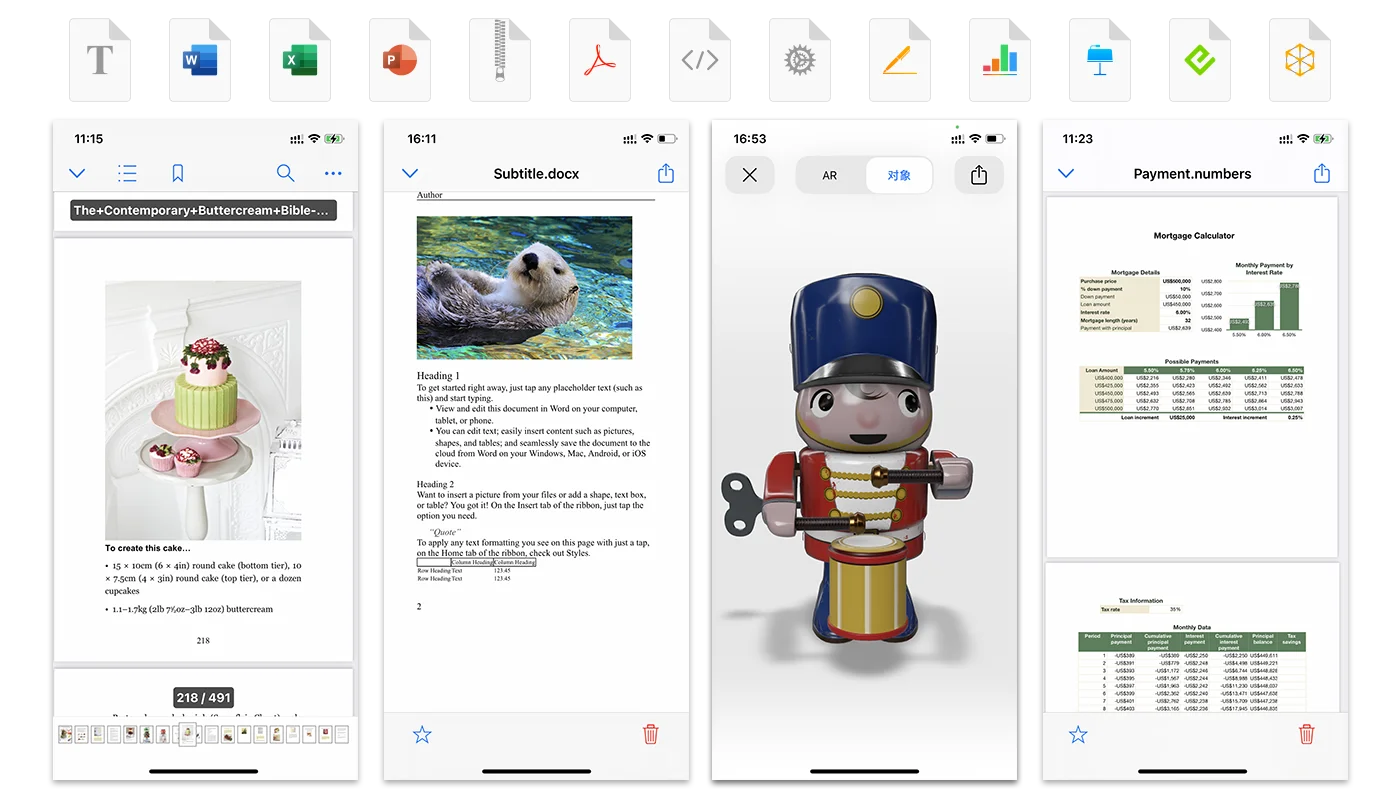
Open documents in Owlfiles or edit them in Acrobat, Office, or iWork. Changes are saved back to the original location automatically.
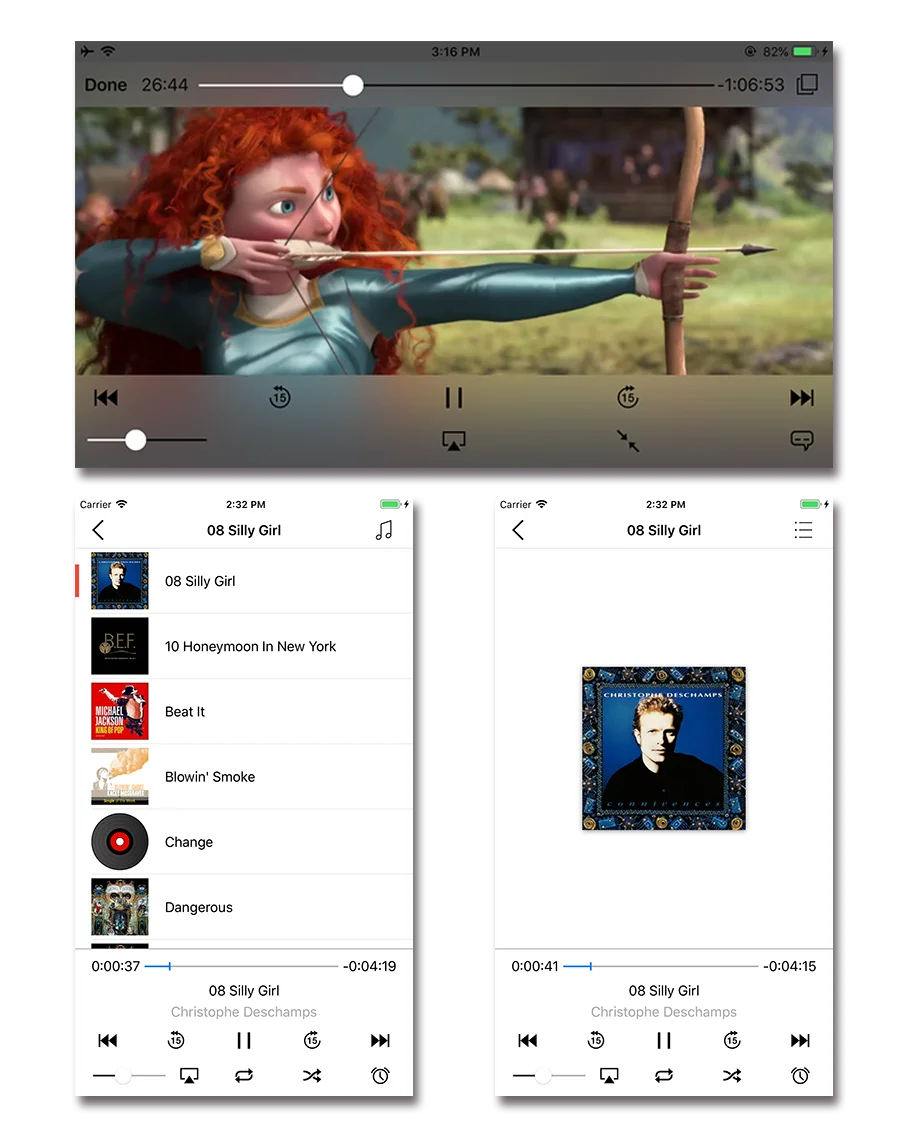
Stream popular video and music formats without downloading first, with playlists for CUE and M3U files.
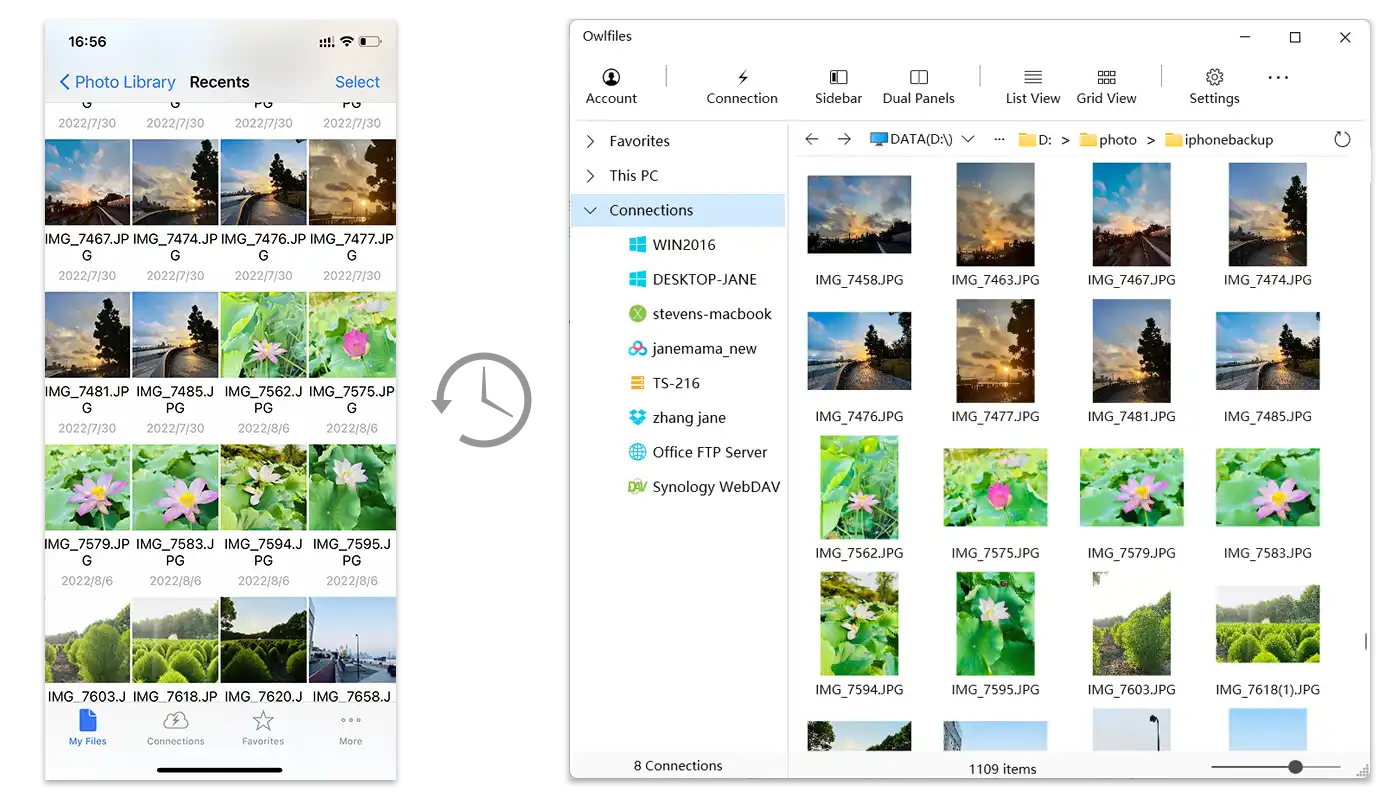
Protect photos from iOS and Android by backing them up to a computer, NAS, or cloud storage whenever you open the app.
Choose two-way sync, local-to-remote, or remote-to-local. Run sync manually or let it happen automatically.
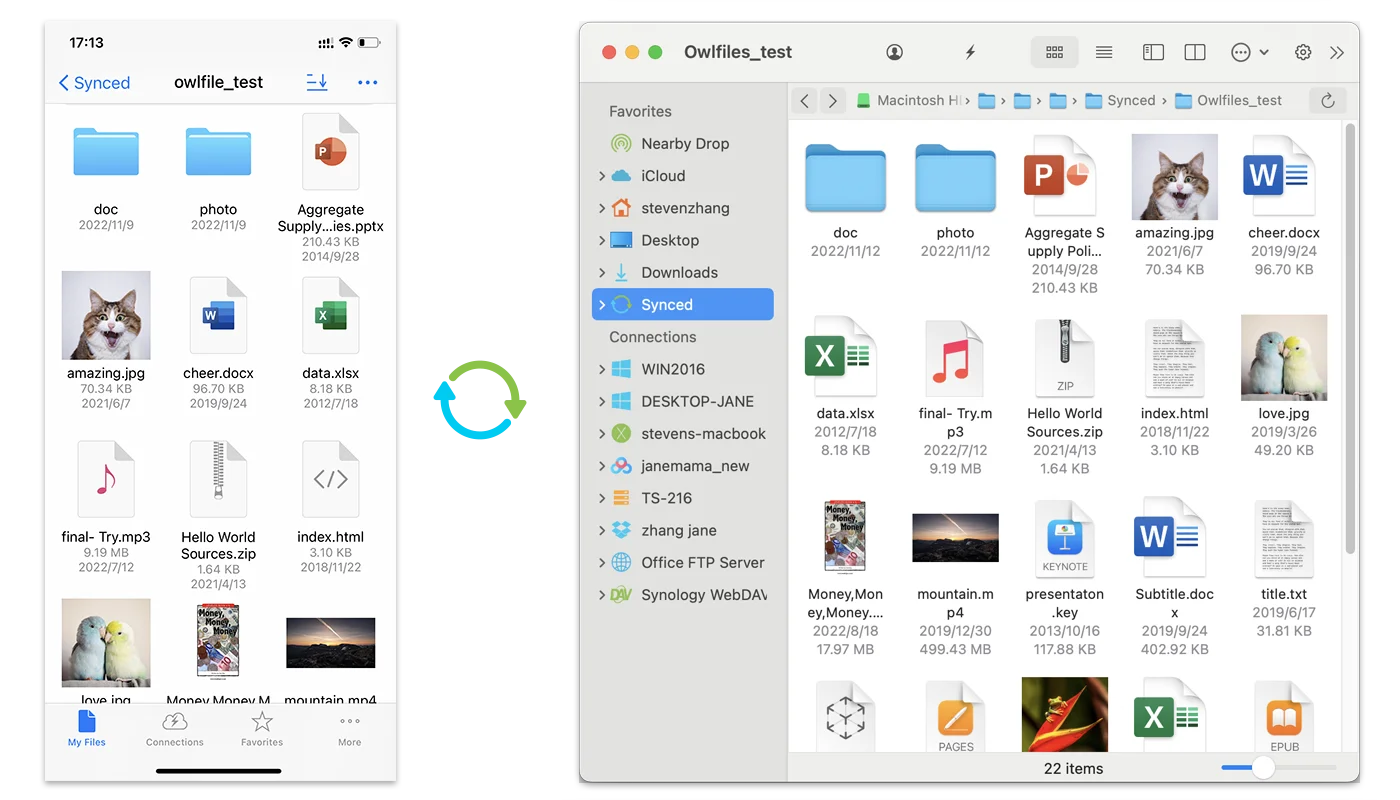
Use the same familiar file workspace wherever you work, from a phone on the go to a desktop at home.
Find step-by-step instructions for setting up servers and NAS, transferring files, syncing folders, and backing up photos.