Integrate with other apps
Use Shortcuts
- Open the More tab in Owlfiles.
- Tap Siri Shortcuts.
- Add the action you want to use.
- Open the Shortcuts app to include the action in a shortcut or automation.
Open Owlfiles from another app
Owlfiles supports the owlfiles:// URL scheme. Append a file or folder path to the scheme to open that location in Owlfiles.
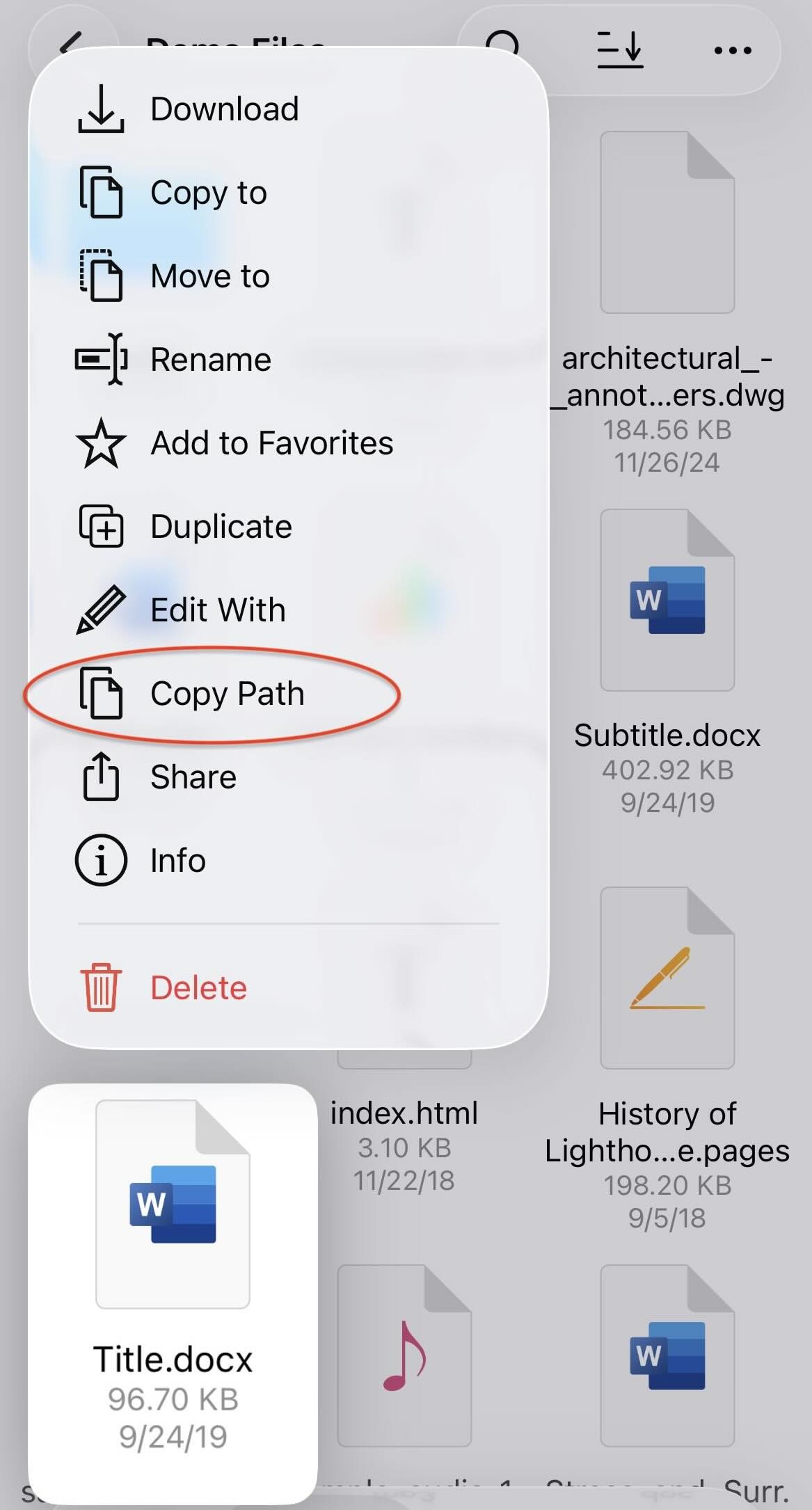
To get a location’s path, touch and hold the file or folder and tap Copy Path. For example:
owlfiles://smb://win2019/share/test.pdf