
Built-in FTP server
Owlfiles includes an FTP server for transferring many files between your iPhone or iPad and a computer.
Start the FTP server
- Connect the iPhone or iPad and the computer to the same Wi-Fi network.
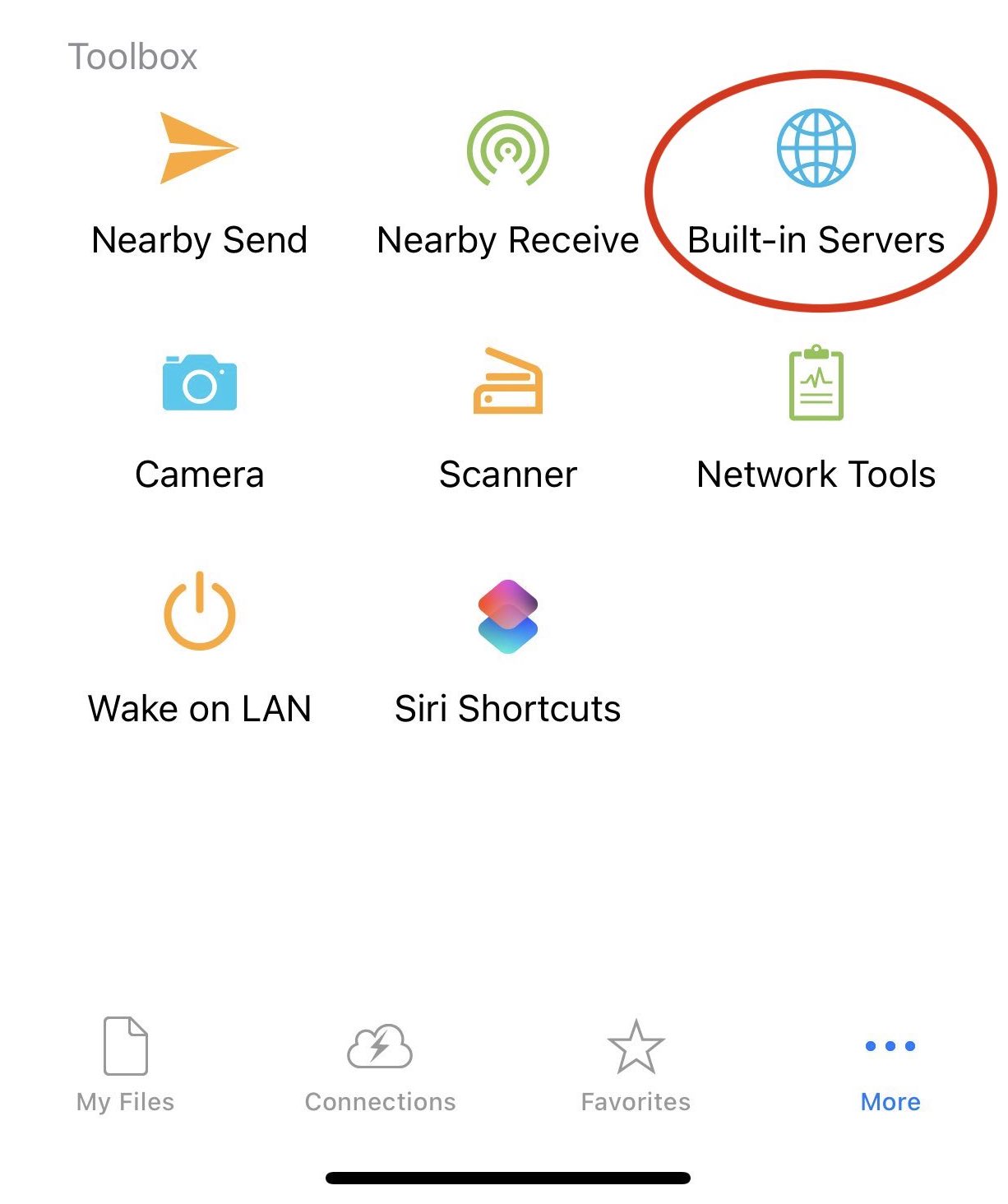
- Open Settings in Owlfiles.
- Turn on the FTP server.
Connect from a computer
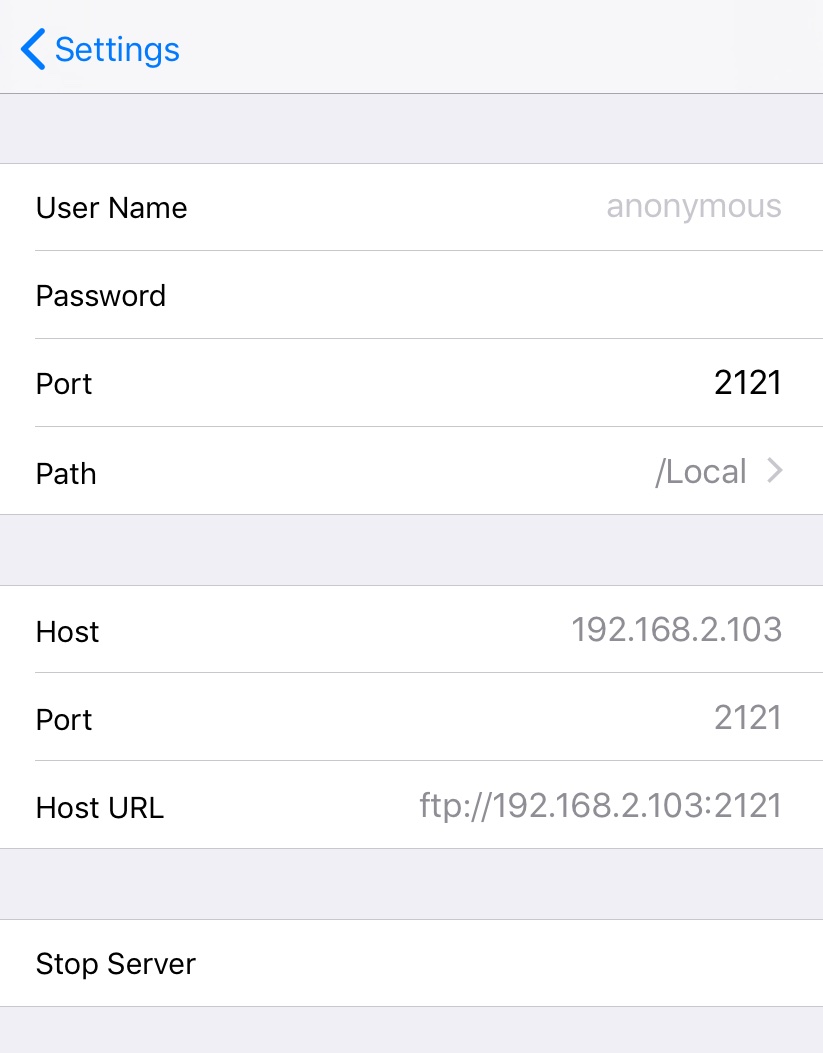
Use an FTP client on the computer to connect to the address shown by Owlfiles. You can also use the desktop version of Owlfiles: create a connection to the iOS FTP server, then transfer files between the computer and the iPhone or iPad.