USB Transfer
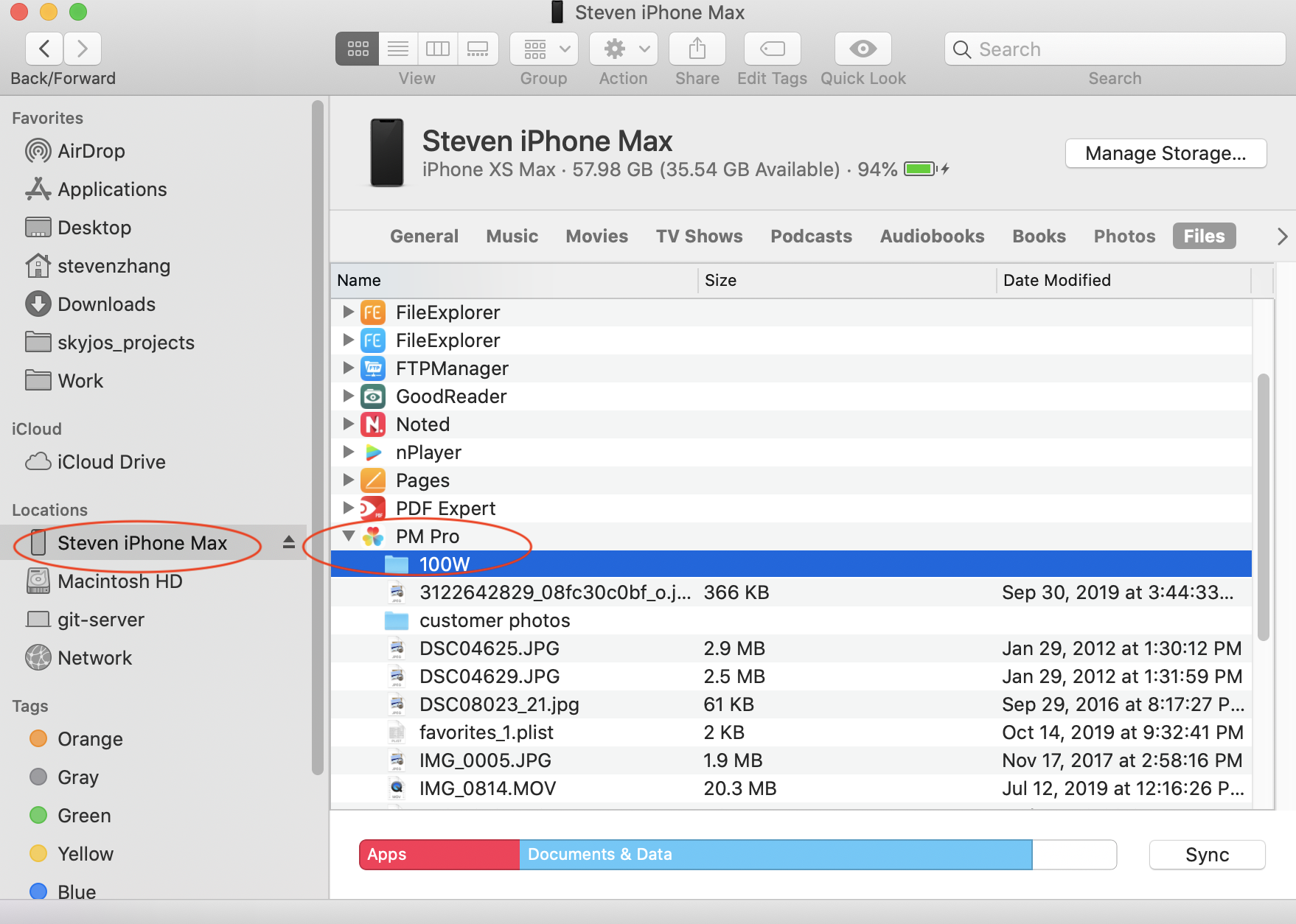
You can transfer photos between your computer and Photo Manager Pro with iTunes File Sharing or Finder.
Windows
- Connect your iPhone or iPad to your PC.
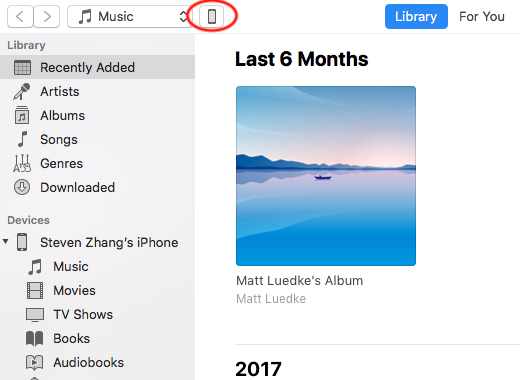
- Open iTunes and select your iOS device.
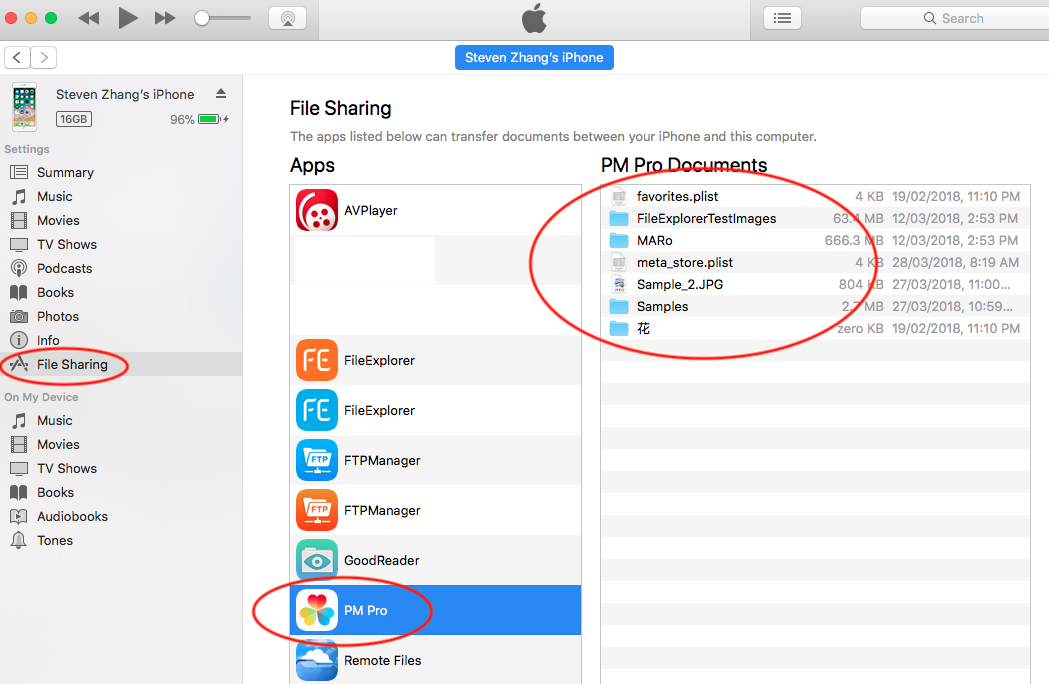
- Select File Sharing in the sidebar.
- Scroll to the File Sharing section.
- Drag folders or photos from Windows File Explorer to the Documents section.
Do not click the sync button—drag files and folders directly to the destination instead.
macOS
- Connect your iPhone or iPad to your Mac.
- Open Finder and select your iOS device.
- Drag folders or photos from Finder to Photo Manager Pro.
Do not click the sync button—drag files and folders directly to the destination instead.