Display Photos on TV
Display Photos on a TV
You can display photos on a TV with Apple TV or an HDMI cable.
Apple TV
- Connect your iPhone or iPad and Apple TV to the same Wi-Fi network.
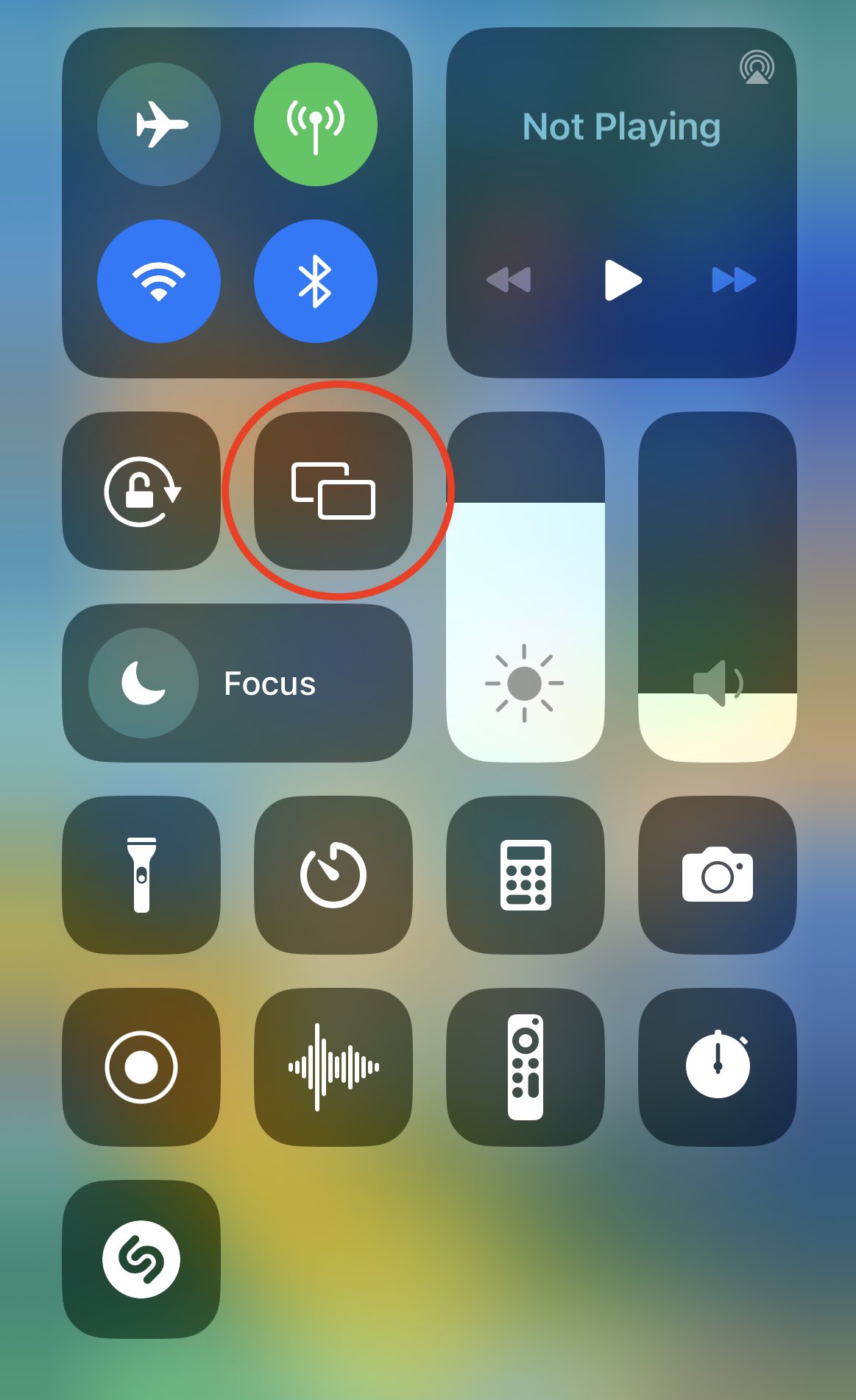
- Turn on AirPlay Mirroring in iOS Control Center.
- Open Photo Manager Pro.
- Photos, videos, and slideshows are displayed full screen on the TV.
HDMI Cable
- Connect an HDMI cable to your iPhone or iPad and the TV.
- Open Photo Manager Pro.
- Photos, videos, and slideshows are displayed full screen on the TV.
Mirror Your Screen on a TV
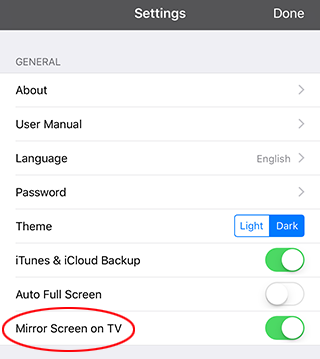
To display the complete iPhone or iPad screen on the TV, use one of the connection methods above and turn on Mirror Screen on TV in the app settings.