
Organize Photos
Copy or Move Photos
- Open the folder containing the photos.
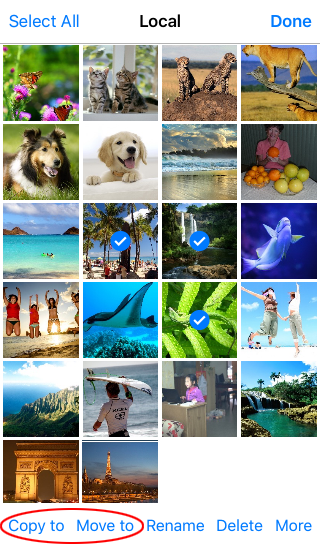
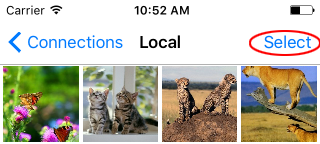
- Tap Select and choose the photos.
- Tap Copy to or Move to in the toolbar.
- Choose the destination folder when the location picker appears.
Rename a Photo
- Tap Select.
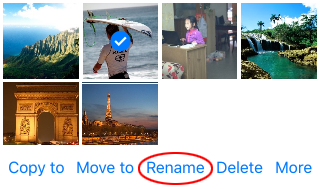
- Select the photo you want to rename.
- Tap Rename.
Delete Photos
- Open the folder containing the photos.
- Tap Select and choose the photos you want to delete.
- Tap Delete in the toolbar.