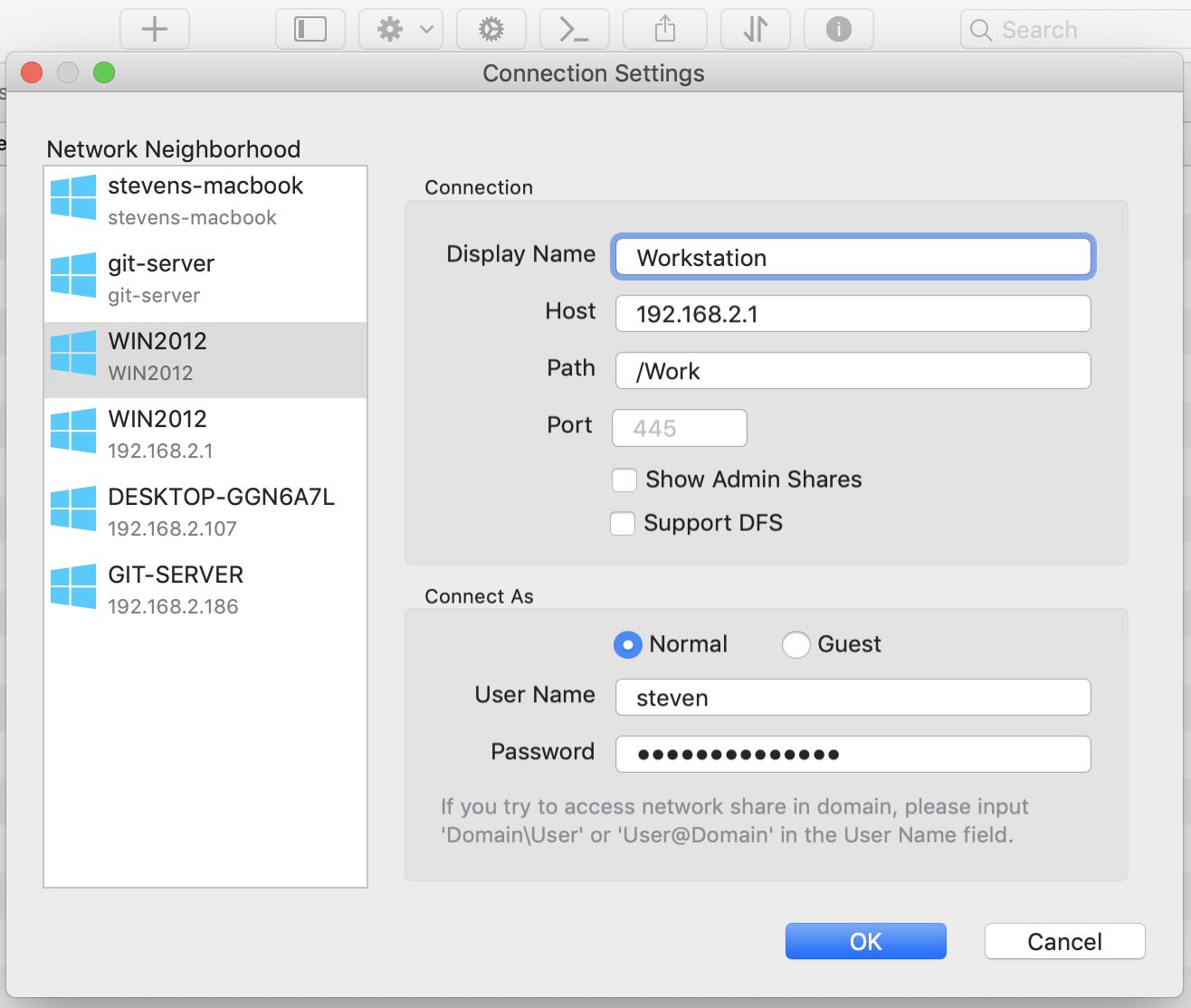
Set up a connection
Owlfiles can discover SMB, FTP, and WebDAV services on your local network. You can also add a connection manually.
Find a computer automatically
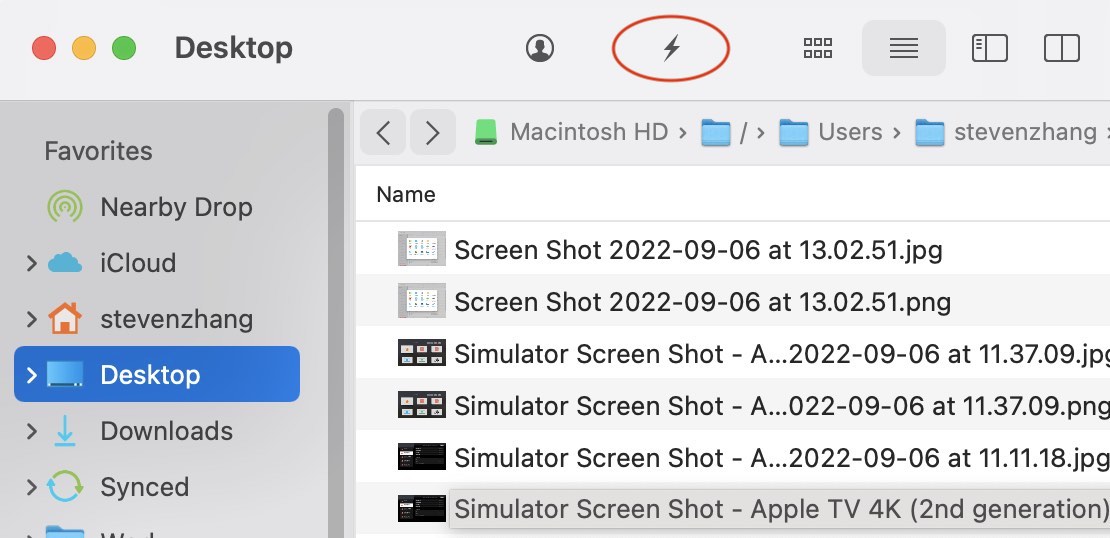
- Open Owlfiles on your Mac.
- Click the lightning button, then select the type of connection you want to add, such as Windows, Mac, or NAS.
- Computers and NAS devices on your local network appear in Network Neighborhood.
- Click the computer or NAS you want to connect to, then enter its username and password.
If the server belongs to a Windows domain, enter the username as Domain\UserName or UserName@Domain.
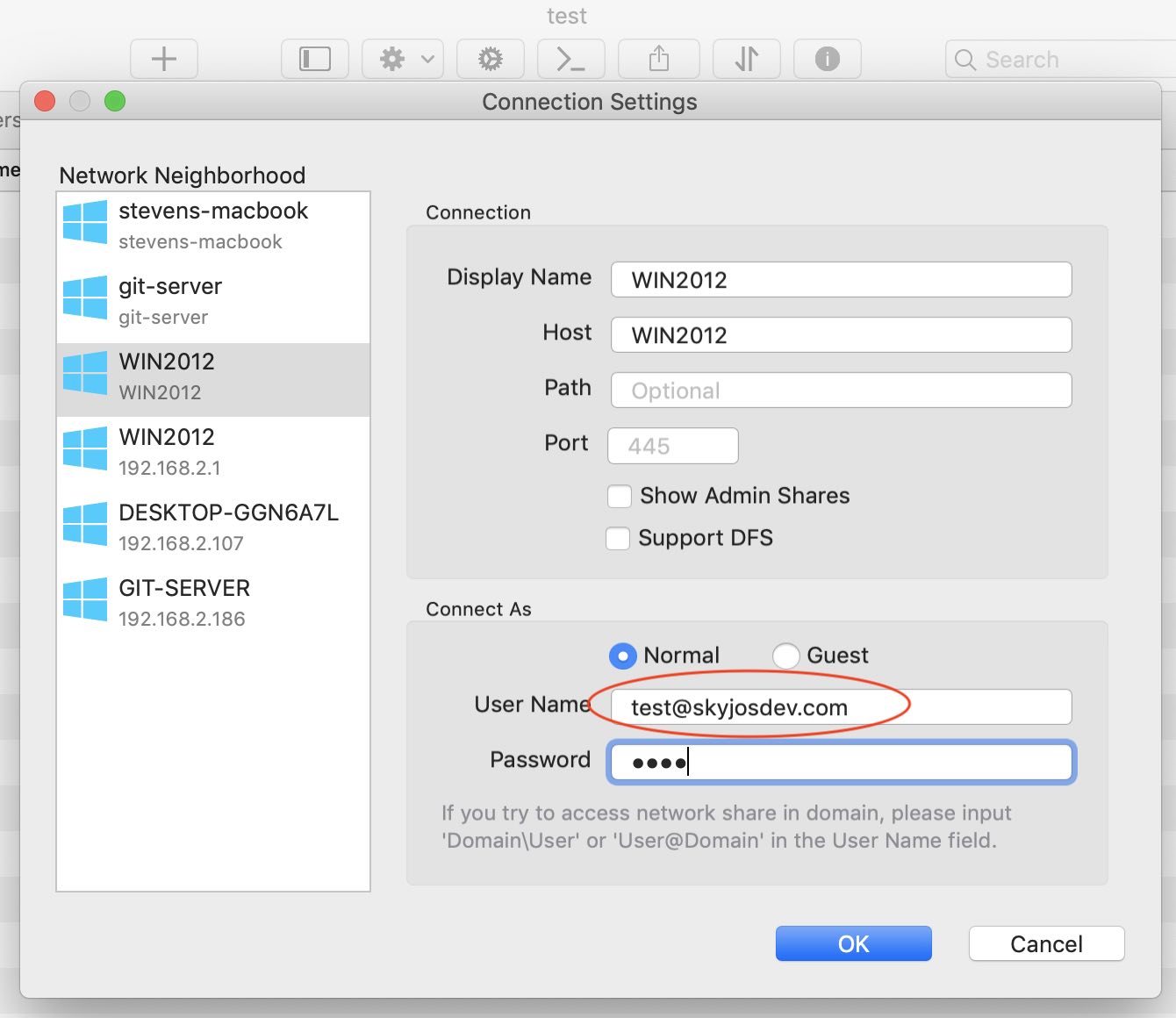
Enter a computer address manually
- Open Owlfiles on your Mac.
- Click the lightning button, then select the connection type you want to add.
- Enter the computer or NAS name, or its IP address.
- Enter the username and password used to sign in to that computer or NAS.