Use the App Extension
ViewExif includes an extension that lets you inspect photo metadata directly in the iOS Photos app.
-
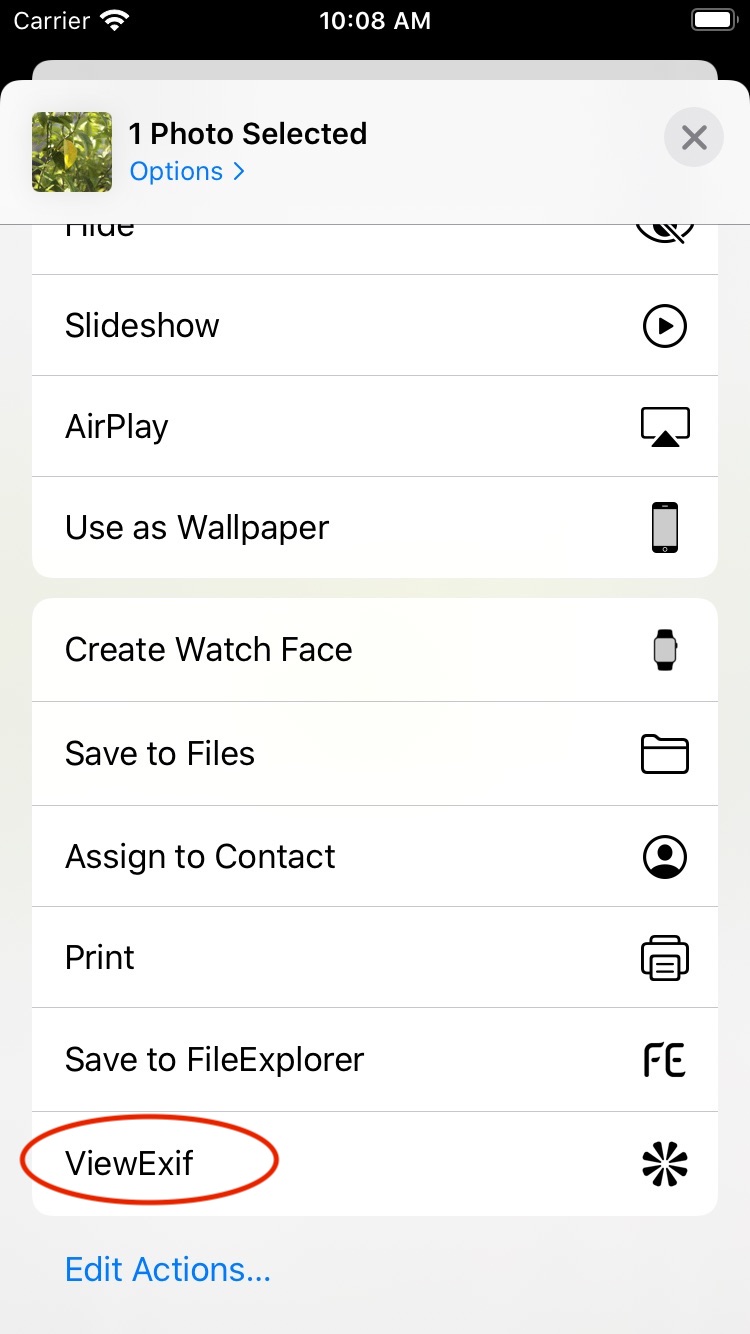
Open a photo in Photos, then open the share sheet.

-
Tap ViewExif to see the photo metadata.
-
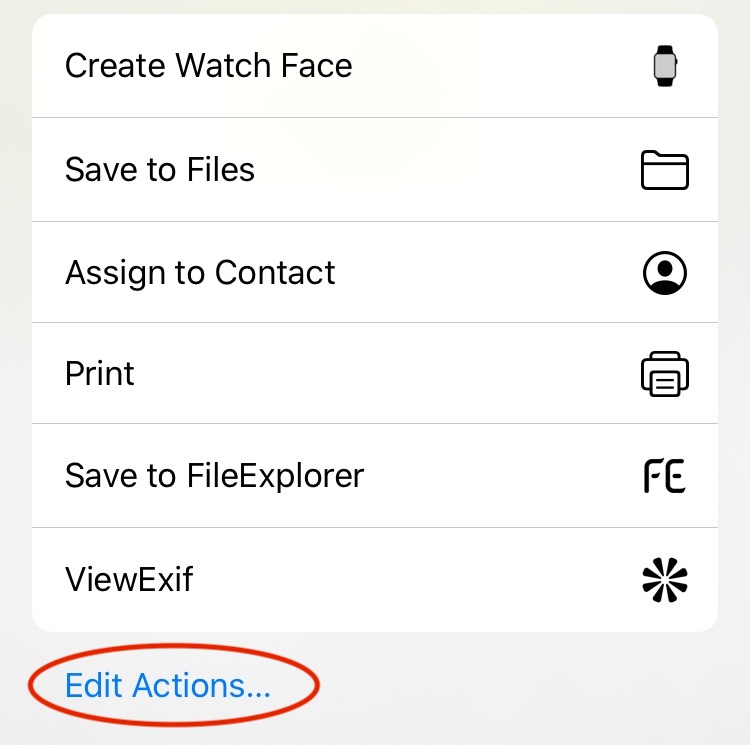
If ViewExif is not listed, tap Edit Actions… and enable the ViewExif extension.