FE File Explorer is able to sync files with network shares, servers and cloud storages.
1. Enter a folder on network shares, servers or cloud storages.
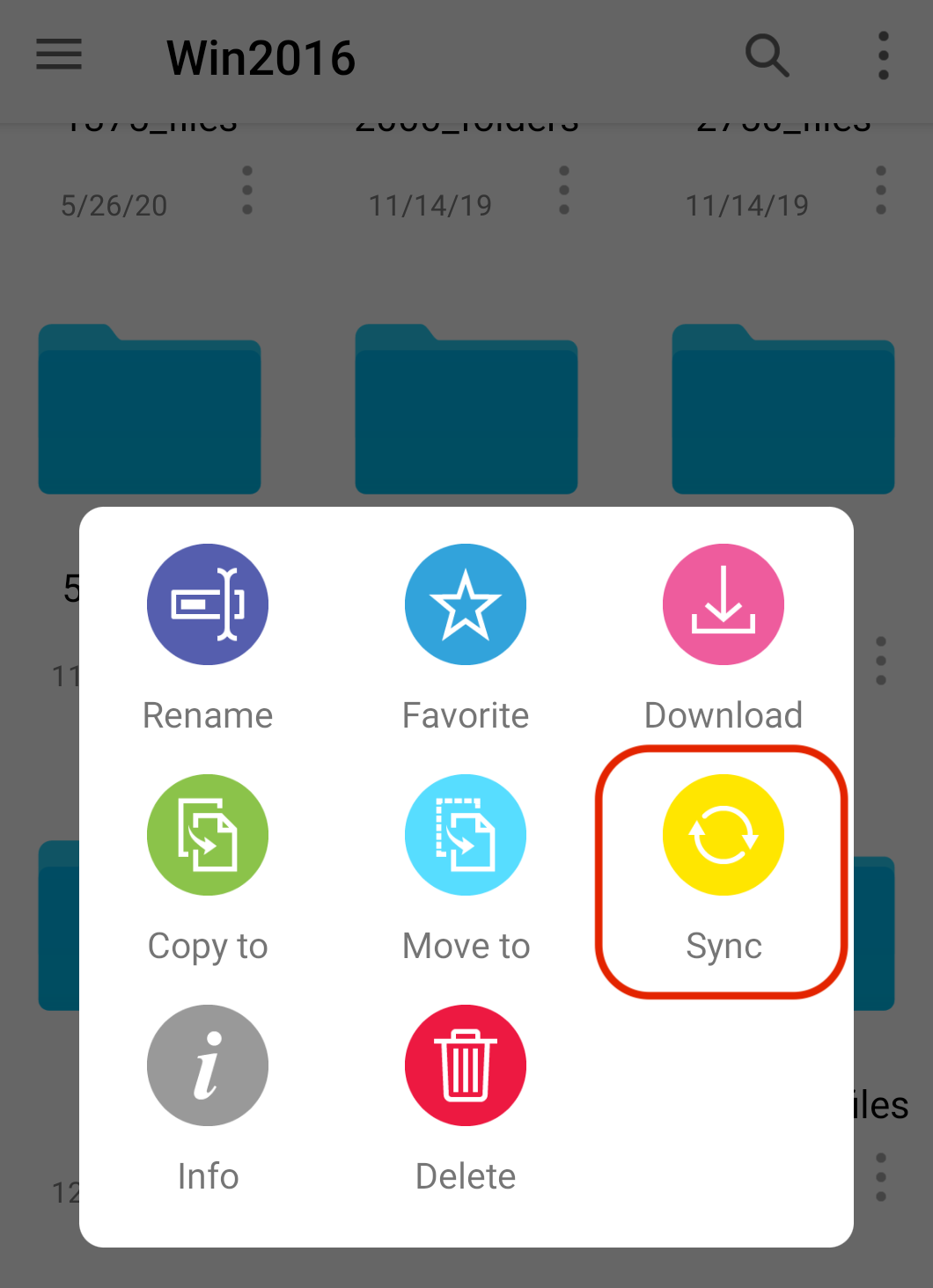
2. Open the contextual menu on a folder.
3. Tap "Sync" button to start the file sync process.
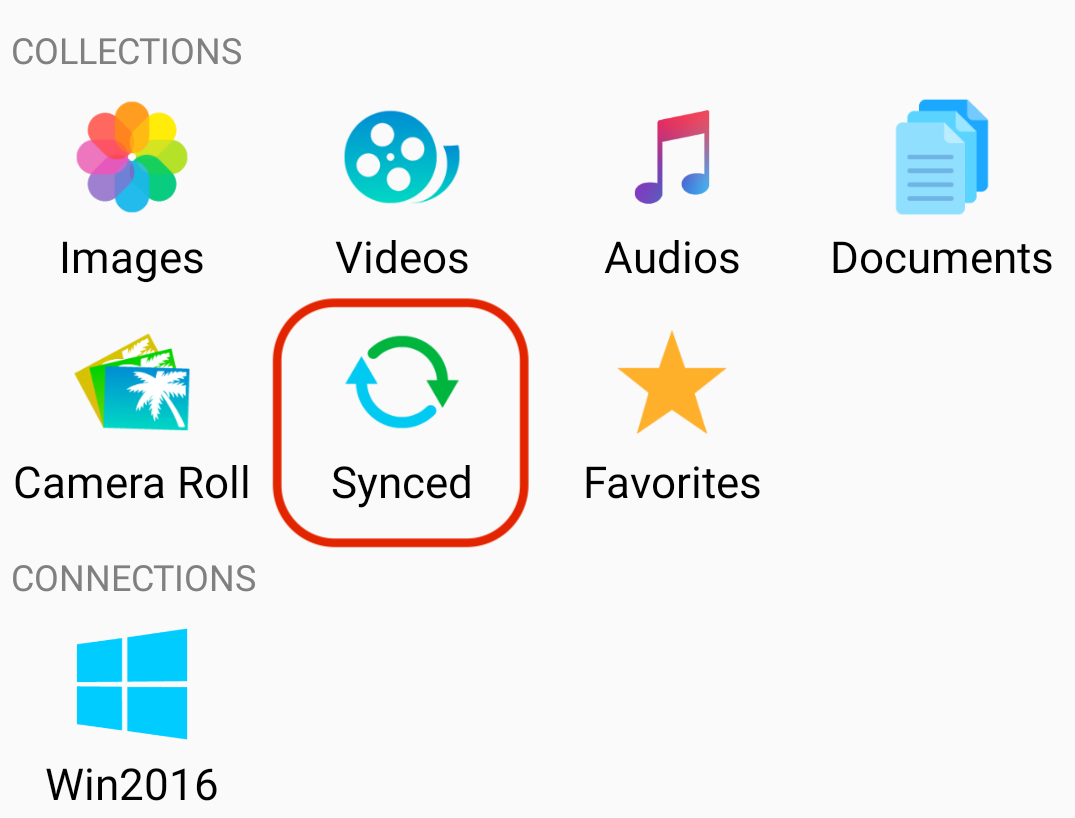
4. The files will be synced to "MainStorage" -> "Synced" folder.